

Productivity ✨
Productivity ✨
E-Course
If you want my BEST system for personal productivity, I highly recommend this course I created on how to get your genius ideas flowing through to completion.
This course has recently been referred to by a past student as “soul efficiency”…..
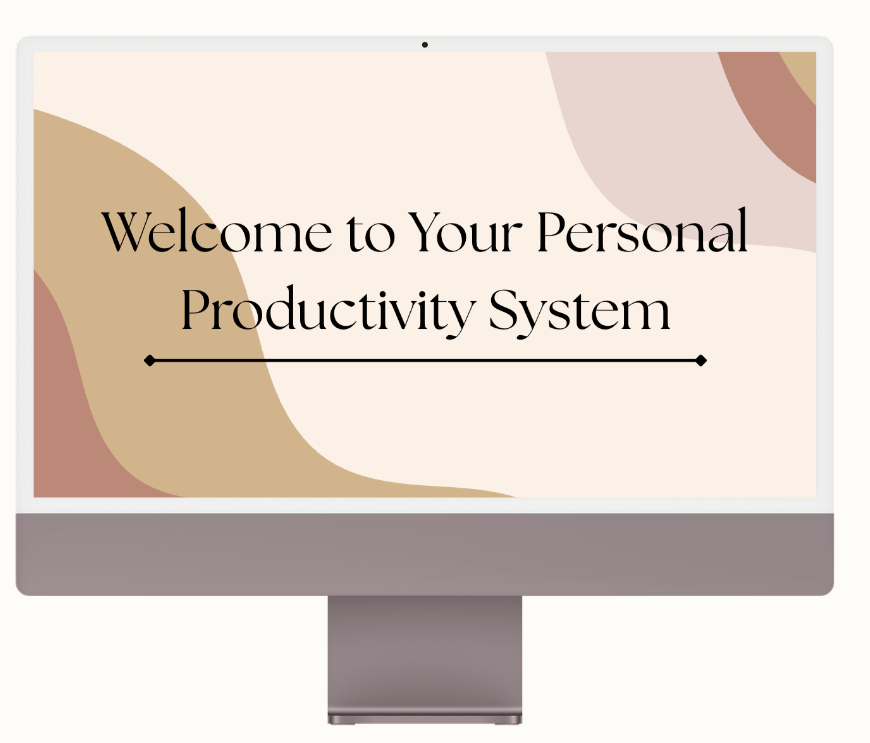

Digital Planners
Cozy, hyperlinked, and made to fit right into your day.
I love planners. These are for your tablet, phone, or computer — not printed.
Tap any tab to jump straight to that section. Type directly into the fields, or write by hand using a stylus (such as an Apple Pencil) if your app supports it.
What's inside:
Yearly overview, plus monthly, weekly, and daily pages (daily has a top-3-goals and to-do list)
A goals section with a life-areas page
Habit tracker
A weekly health, meal, exercise tracker
Budget and revenue/expense pages
To-do list section
A note section for everything else.
It's undated, so there's no wasted pages and no wrong time to start — fill in your own month and week labels as you go. If you fill up a page and need more room, most PDF annotation apps let you duplicate pages so you never run out of space.
Requires a PDF annotation app (such as GoodNotes or Notability) on a tablet, phone, or computer. This is a digital planner, not a printable one.
This planner comes in two illustrated designs — Summer and Autumn — shown below. Both have identical layout and structure; only the artwork and color palette differ. Choose one, or get both together to cover all seasons and save 25%.
Choose Your Cozy Planner
-
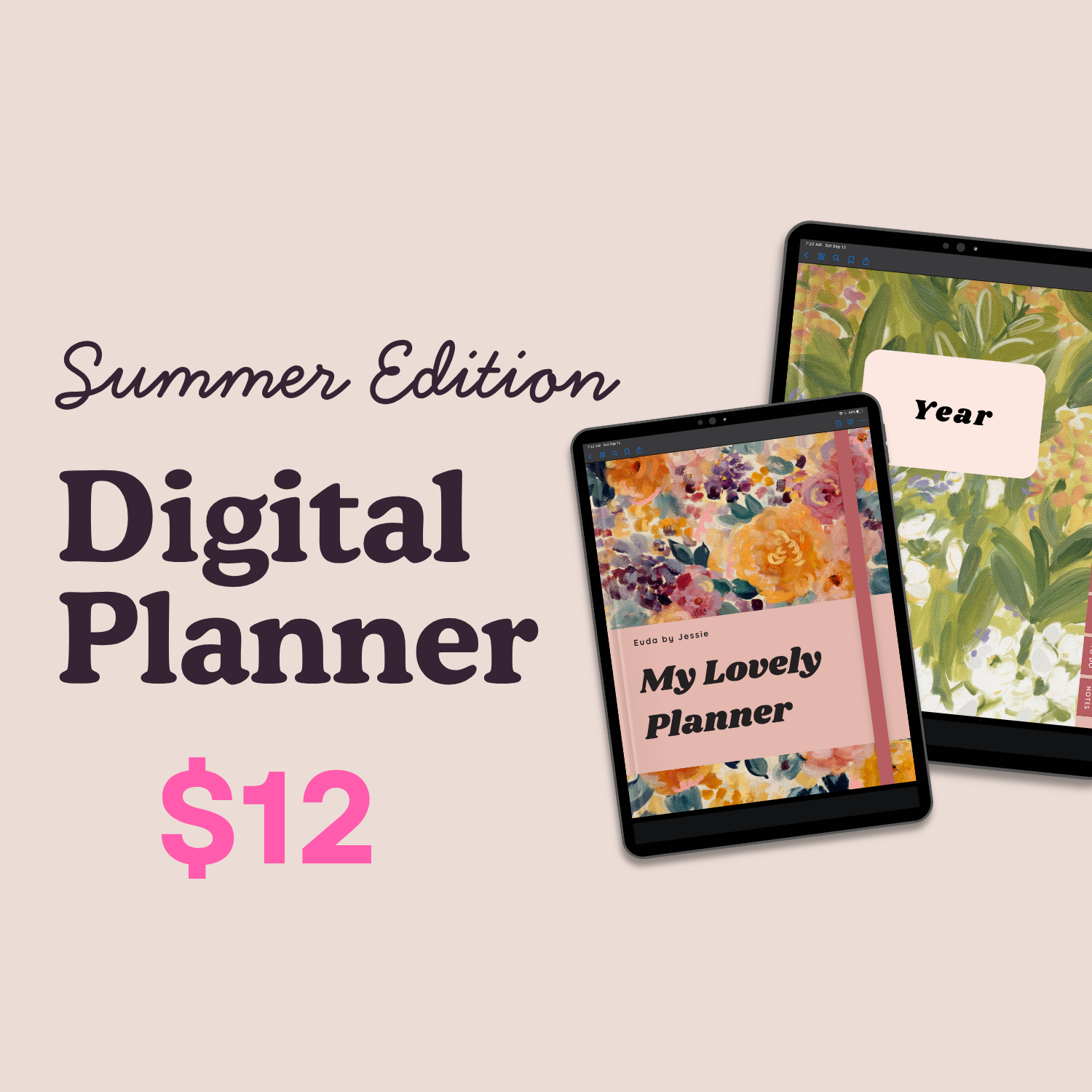
Summer Edition
Bright, breezy, and full of botanical charm.
-
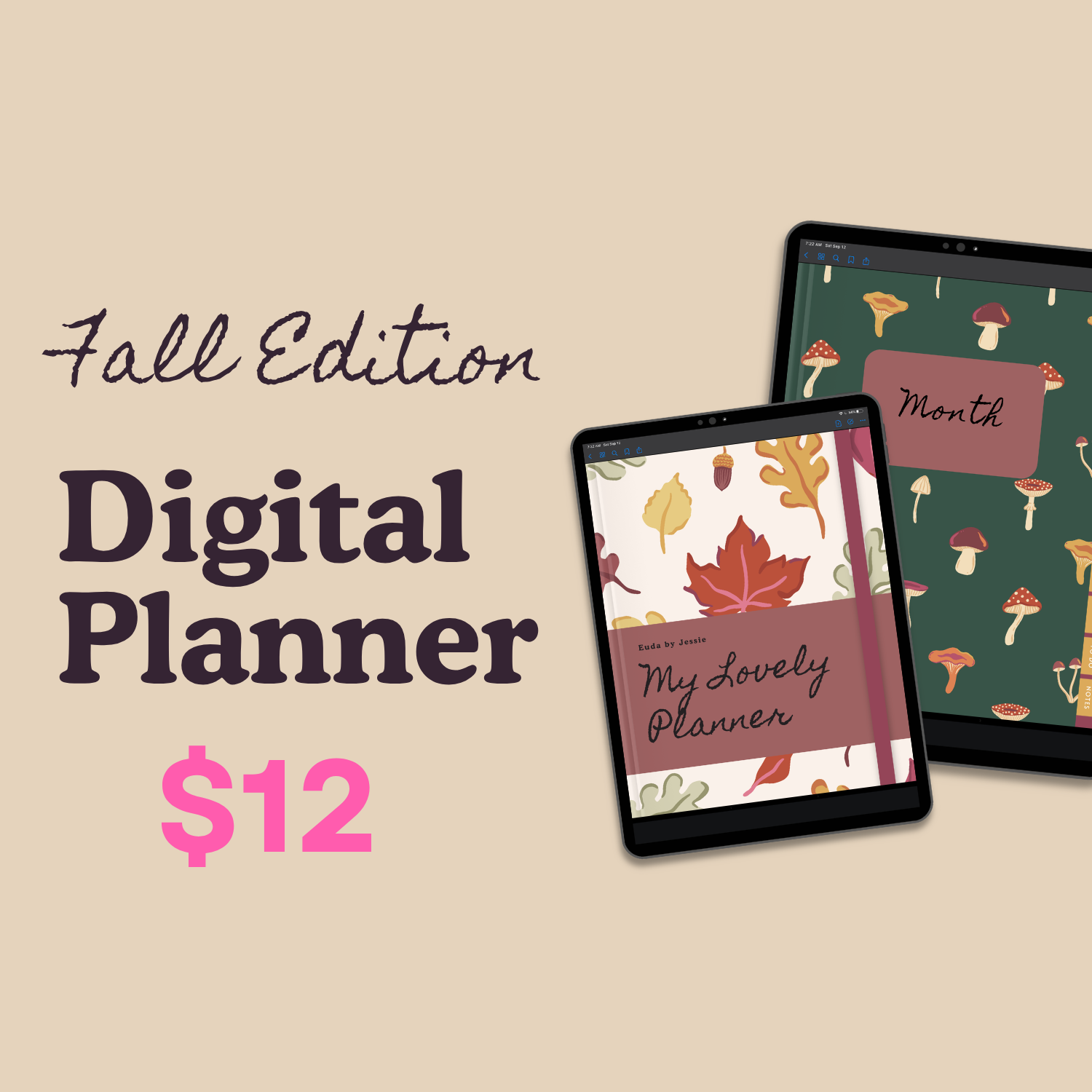
Fall Edition
Cozy, warm, and rich with autumn colour.
-
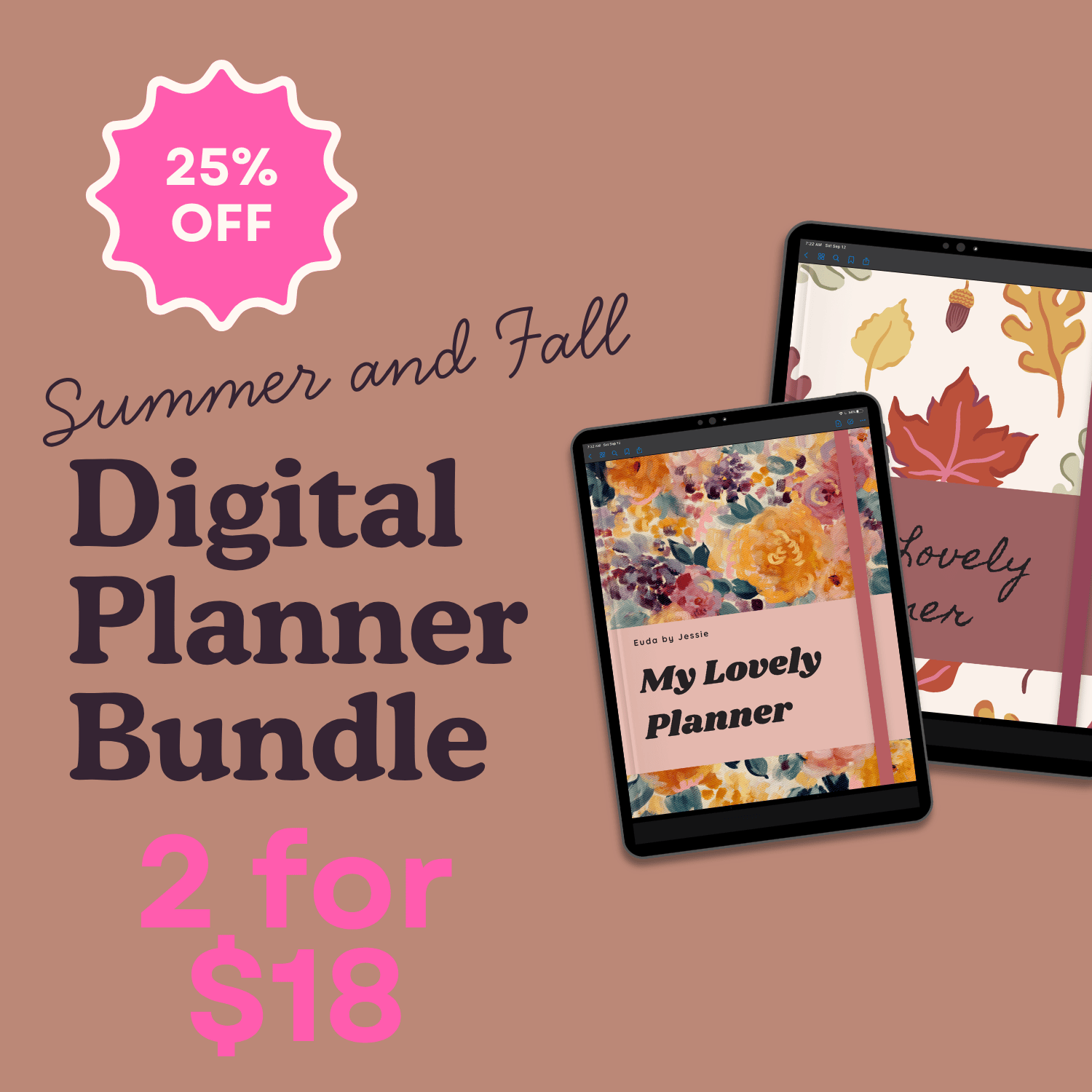
Cozy Planner Bundle
Both editions, to match your mood.
~ For Free
~ For Fun
~ For Free ~ For Fun
Trello Templates
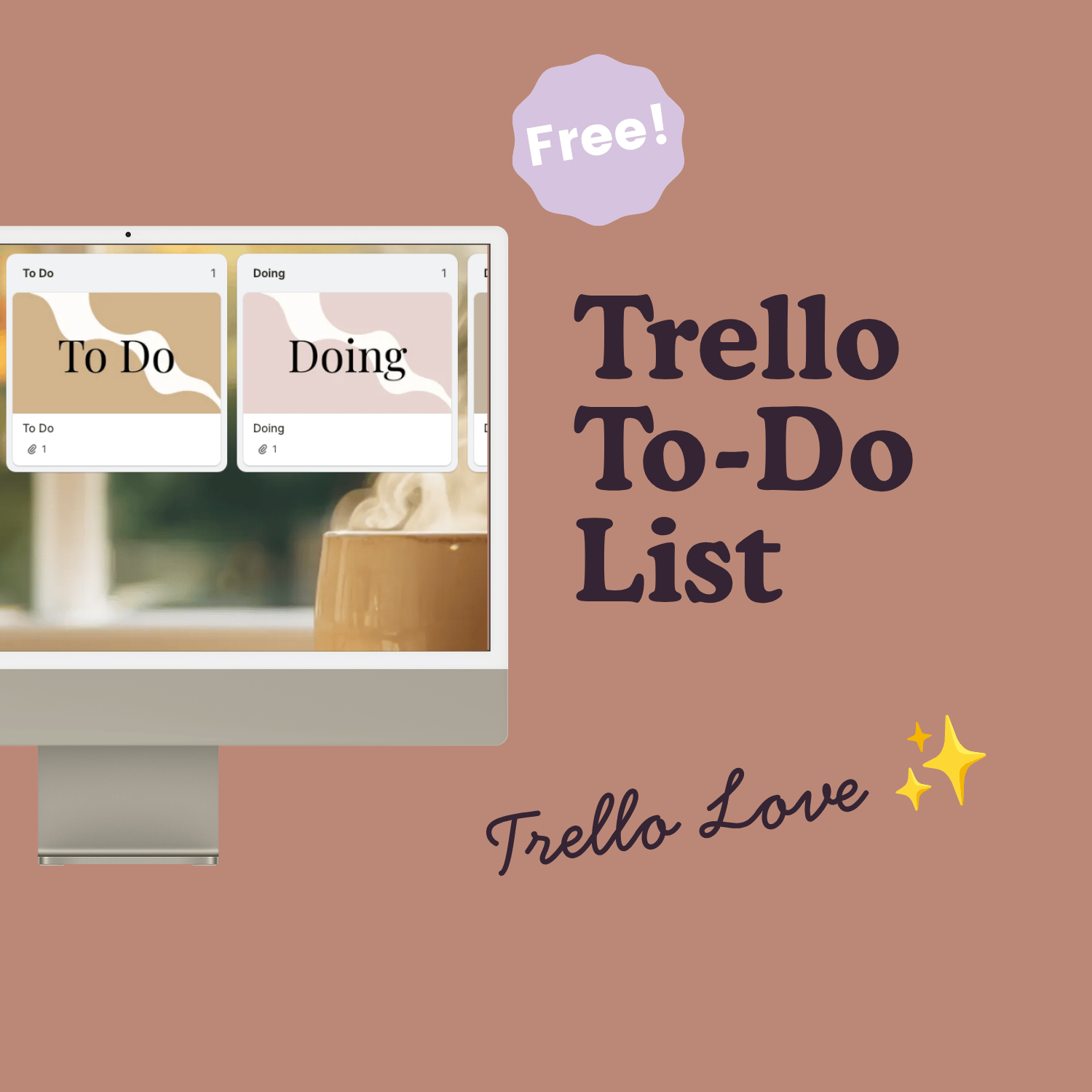
Digital To-Do List
A simple visual to-do list - made cozy - in Trello. Capture everything so nothing gets lost, and move things through to completion.
Click the button below, and then the blue “Create board from template” button, and Trello creates your own private copy. If you don’t already have an account, setup is easy with email and password. First you will need to create a “workspace” to store it in: click your profile > create workspace > save. Now you are ready to snag your fancy Trello board!
Digital Annual Planner
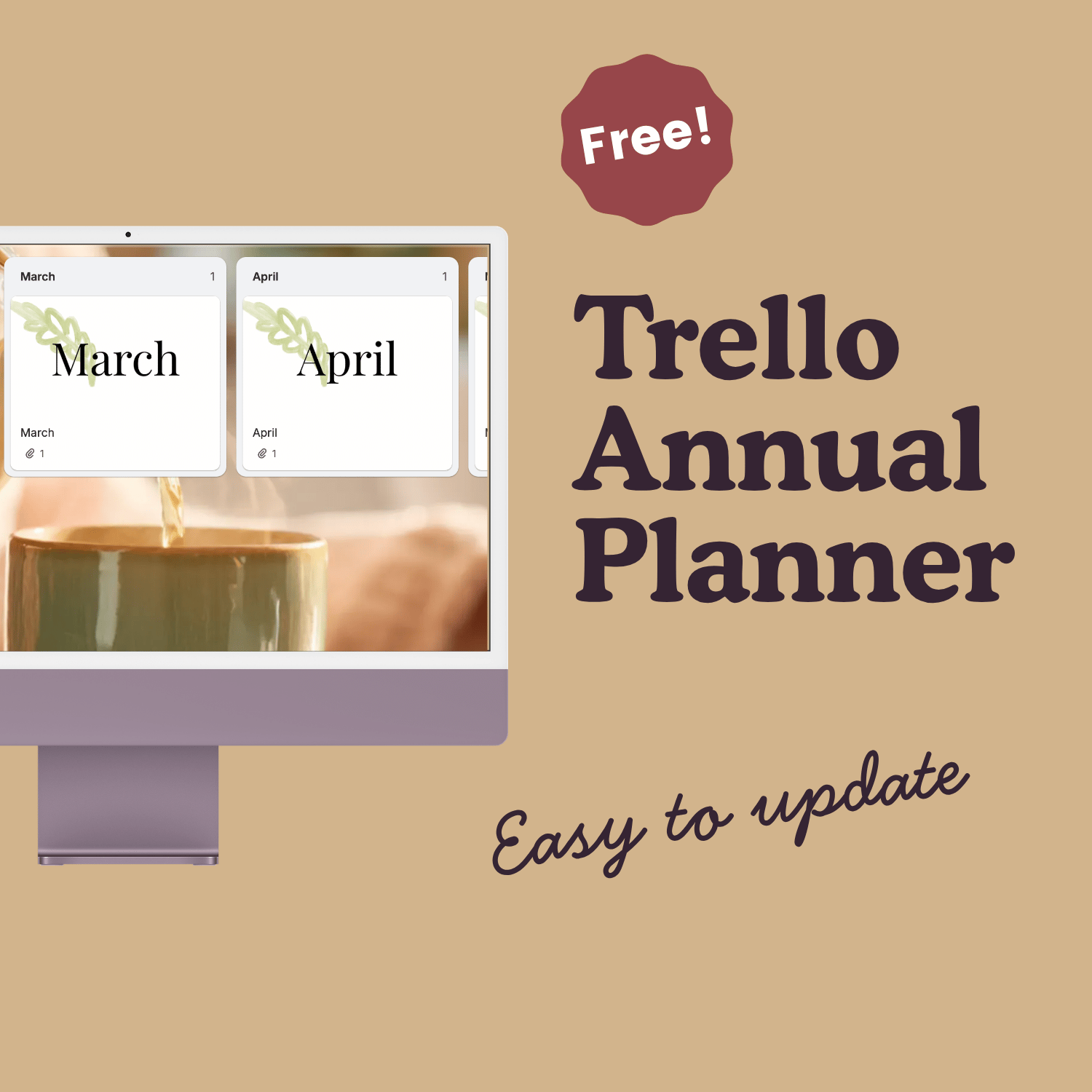
Once you have grabbed your To-Do List above, come back for your free Annual Planner.
With each month listed clearly, Trello makes it fabulously easy to move things around as plans change. Store birthdays, goals, projects, and trips, so you can see it all at a glance.